When a process needs to be followed, the Gating page is where a Project Manager would go.
The Gates
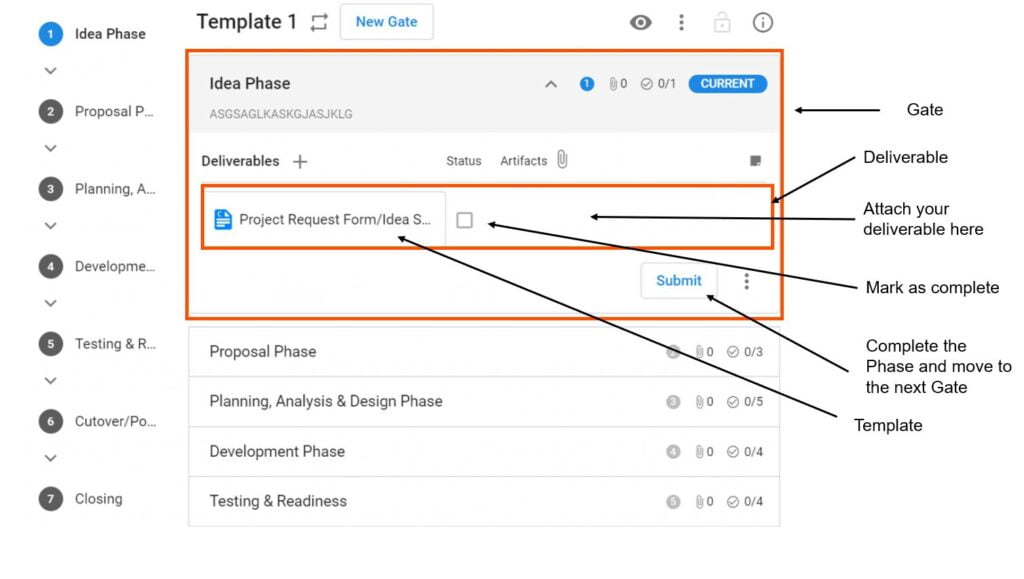
Typically, your Administrator would have already setup a process for you to follow. For flexibility, Completix gives the ability to Project Managers to edit the process to suit every need, If the process has been setup properly, all tasks, documents and sequence of delivery should be clearly laid out and simple to follow.
How does it work?
Start with the first gate and follow the deliverable list.
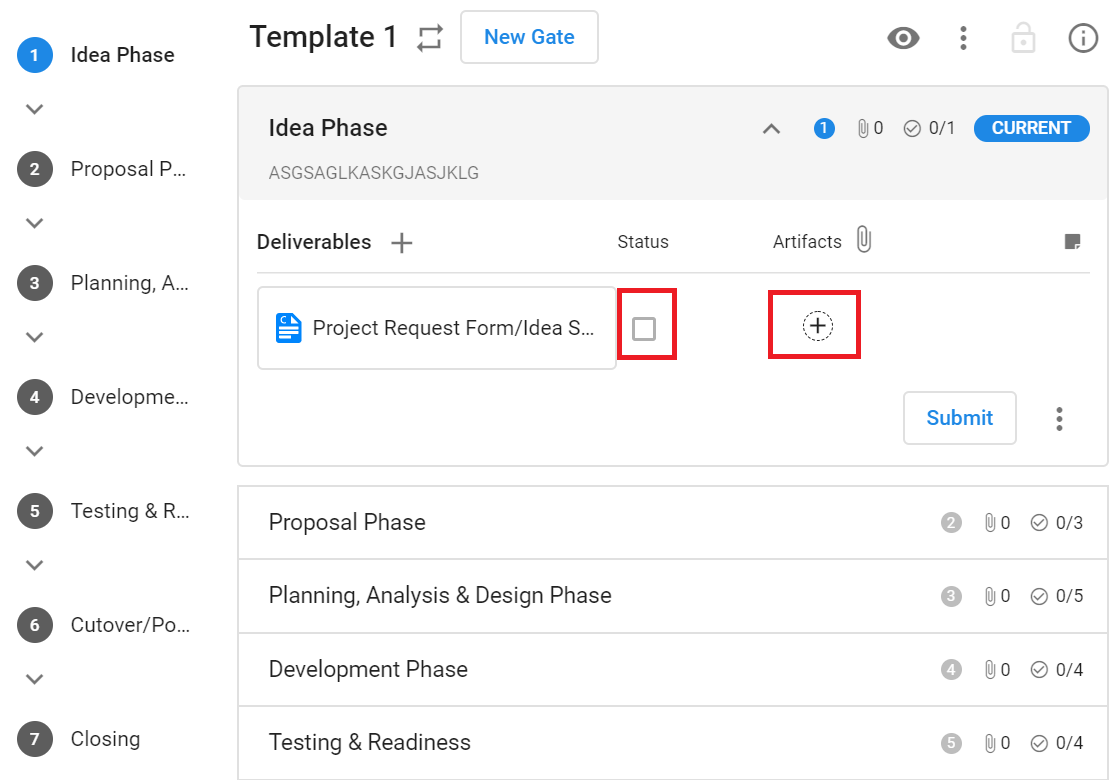
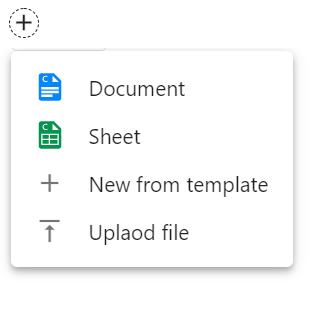
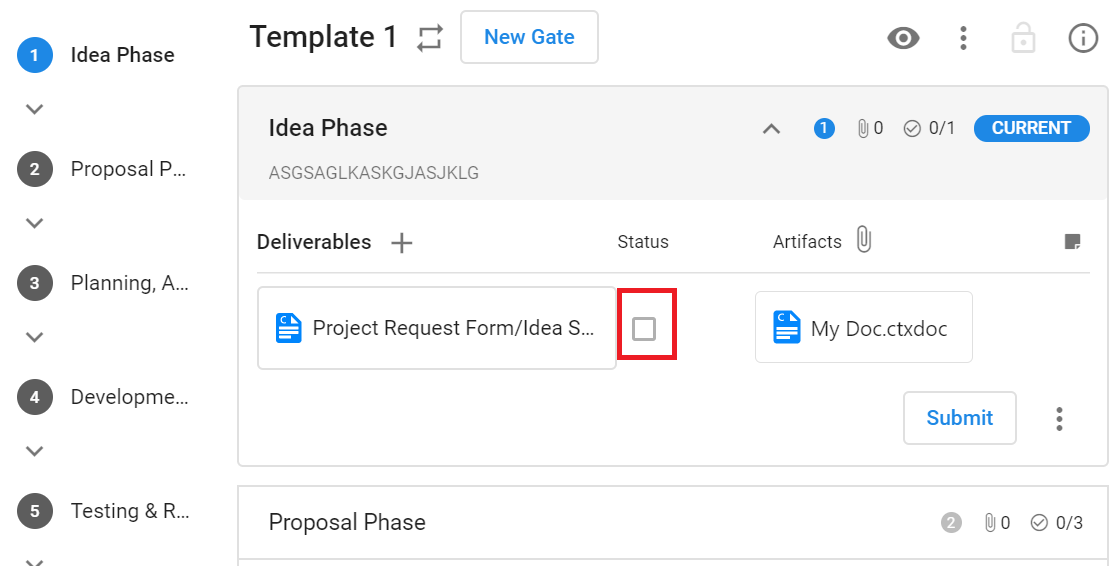
– If the deliverable is a document, a template may be included for you to use. Create your document directly in Completix or by uploading
When the deliverable is complete, simply check the status box.
When all deliverables in a gate are completed, simply click on Submit. A Gate reviewer will ensure the process has been followed properly and will approve the move to the following gate.
What if the Gating page is empty?
If there are no gates or deliverables, Please let your Site administrator know. Completix comes with a default “basic” Gating process.